Smart QR Scanner
Scan. Create. History. Everything stays on your phone.
Built to stay on-device
Smart QR Scanner scans and creates codes on your phone without uploading your data to our servers.
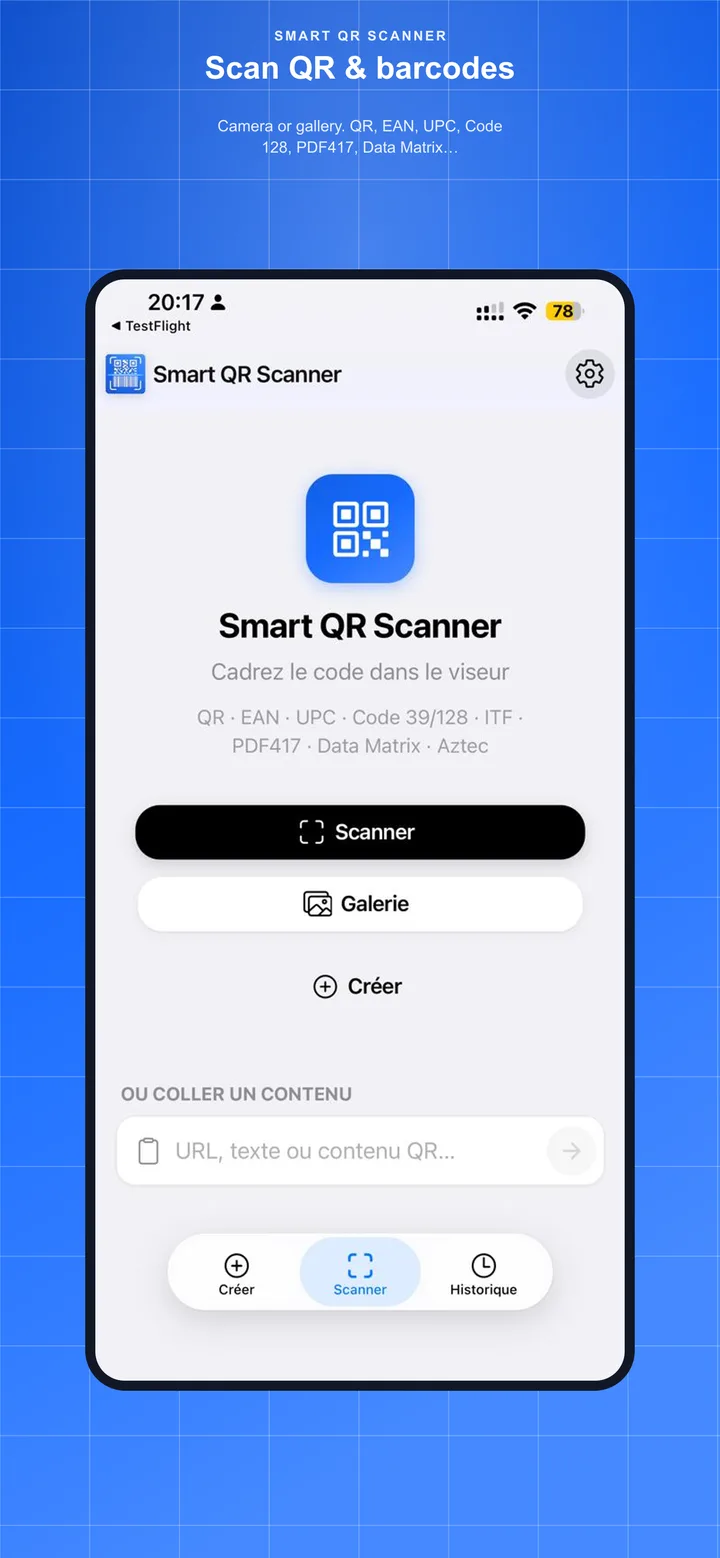
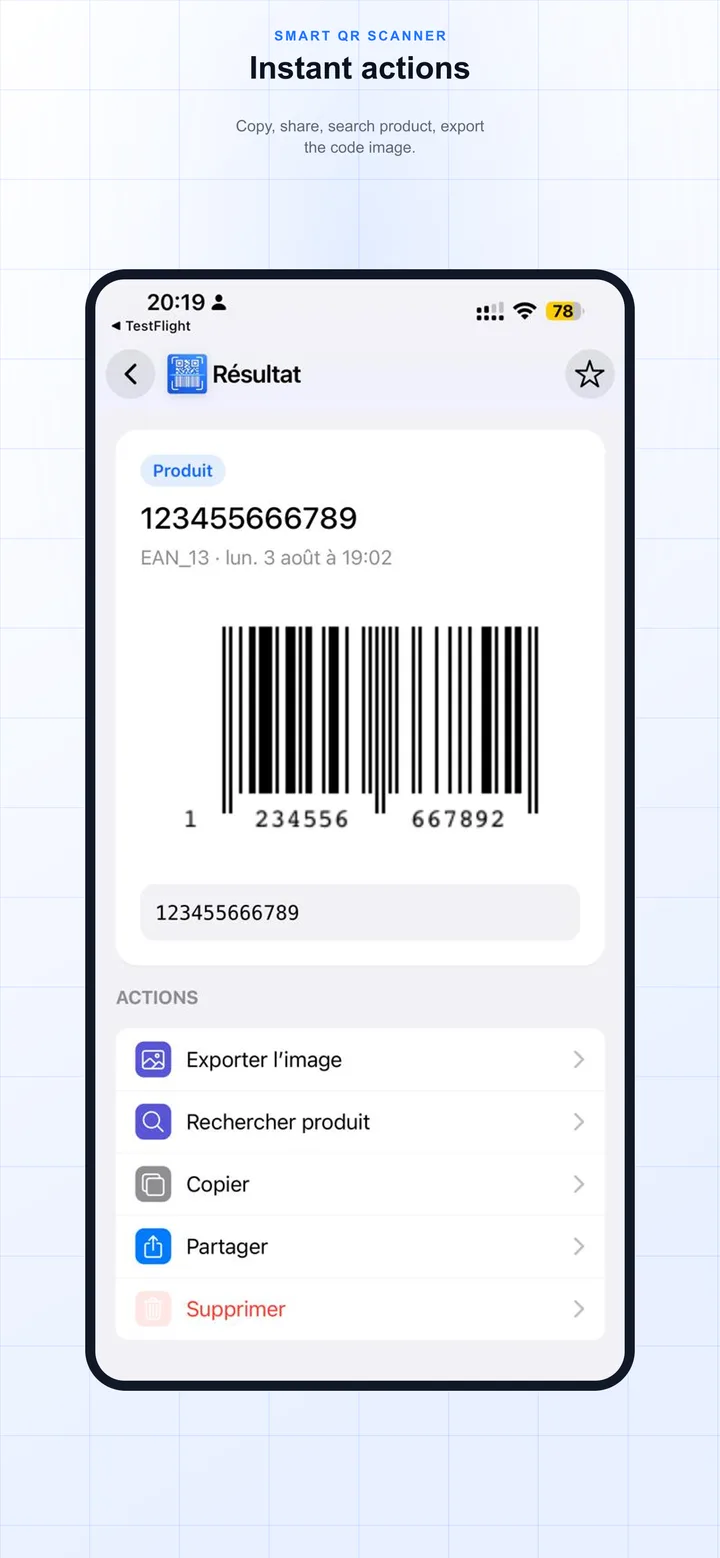
QR & barcode scan
Camera or gallery. QR, EAN, UPC, Code 128, PDF417, Data Matrix… Contextual actions in one tap.
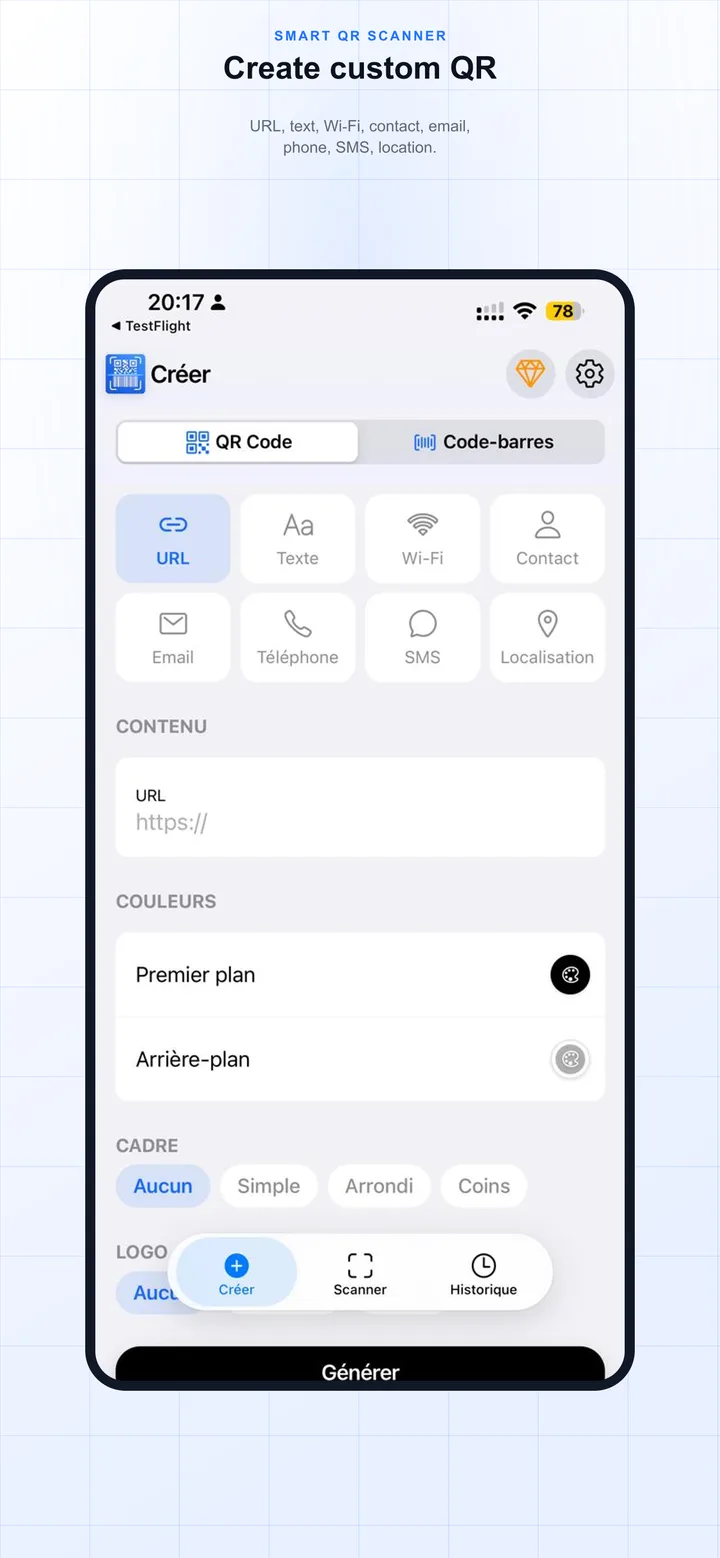
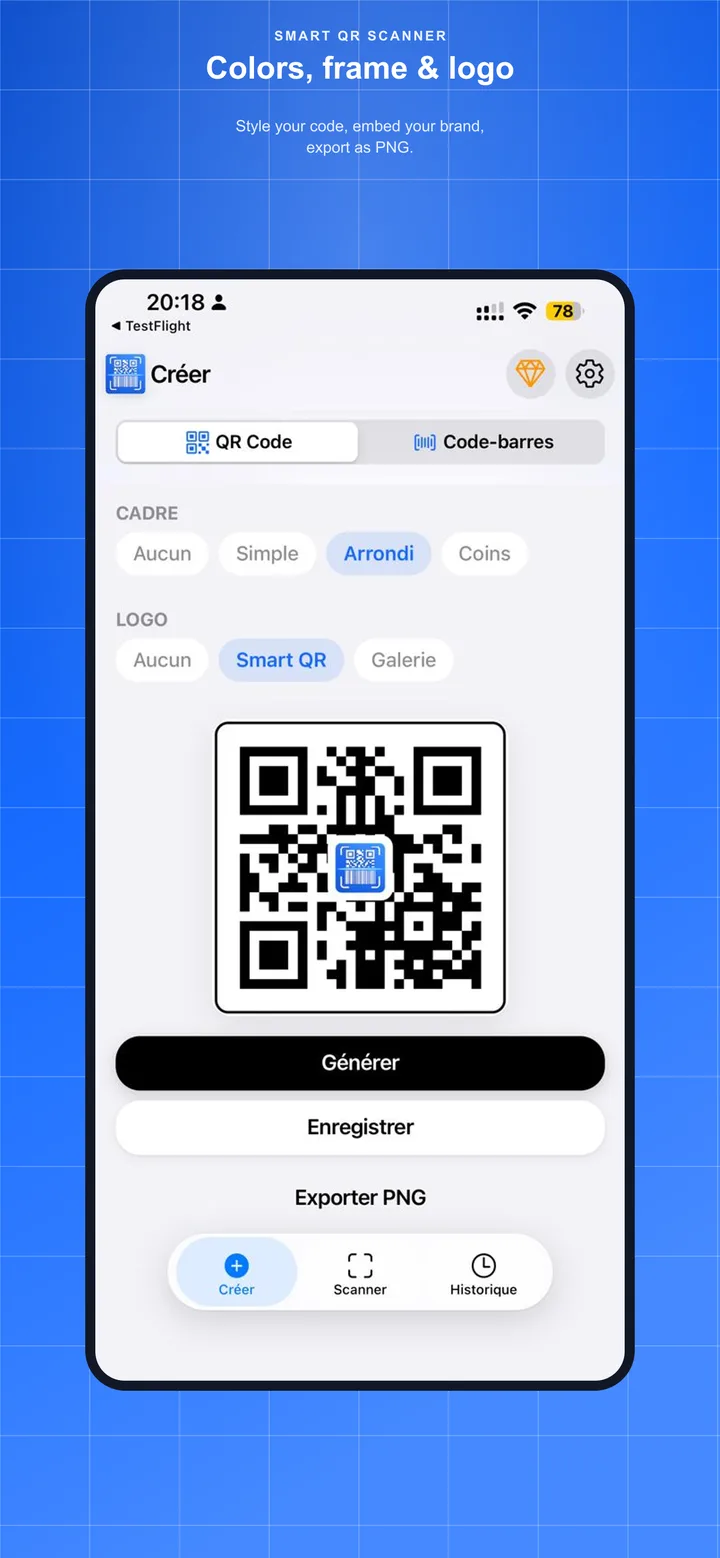
Built-in creator
URL, text, Wi‑Fi, contact, email, SMS, location. Colors, frame, logo, and PNG export.
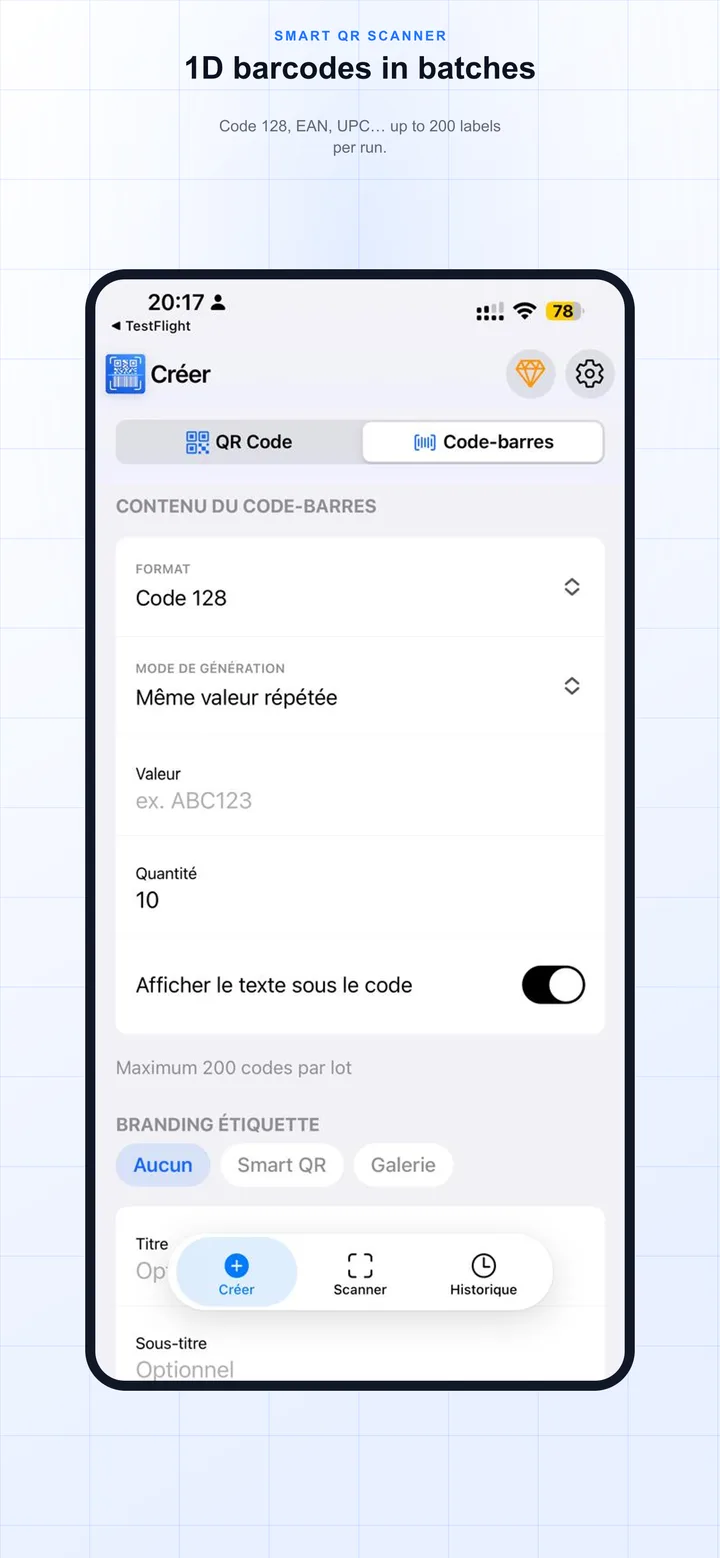
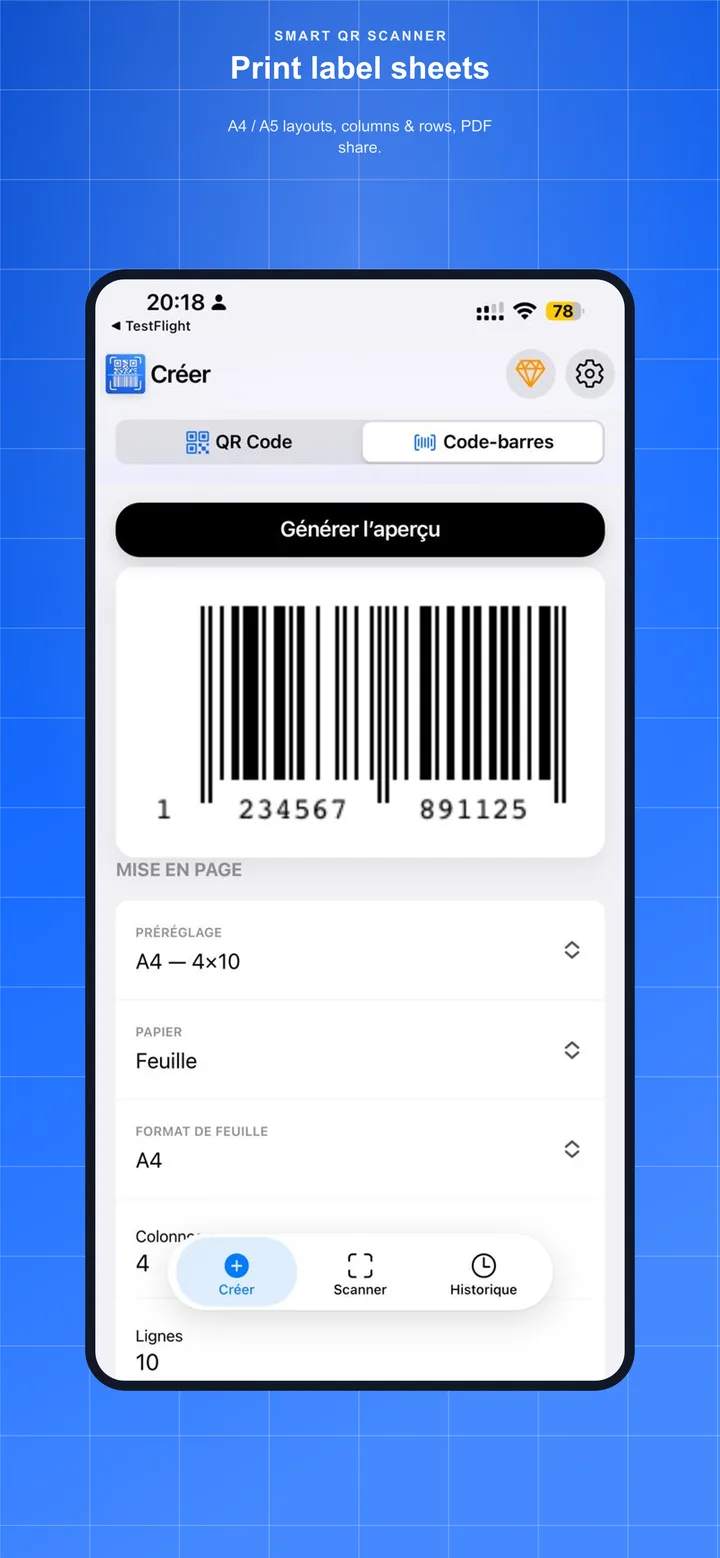
Label sheets
Batches up to 200 codes. A4 / A5 layouts, columns & rows, PDF share.
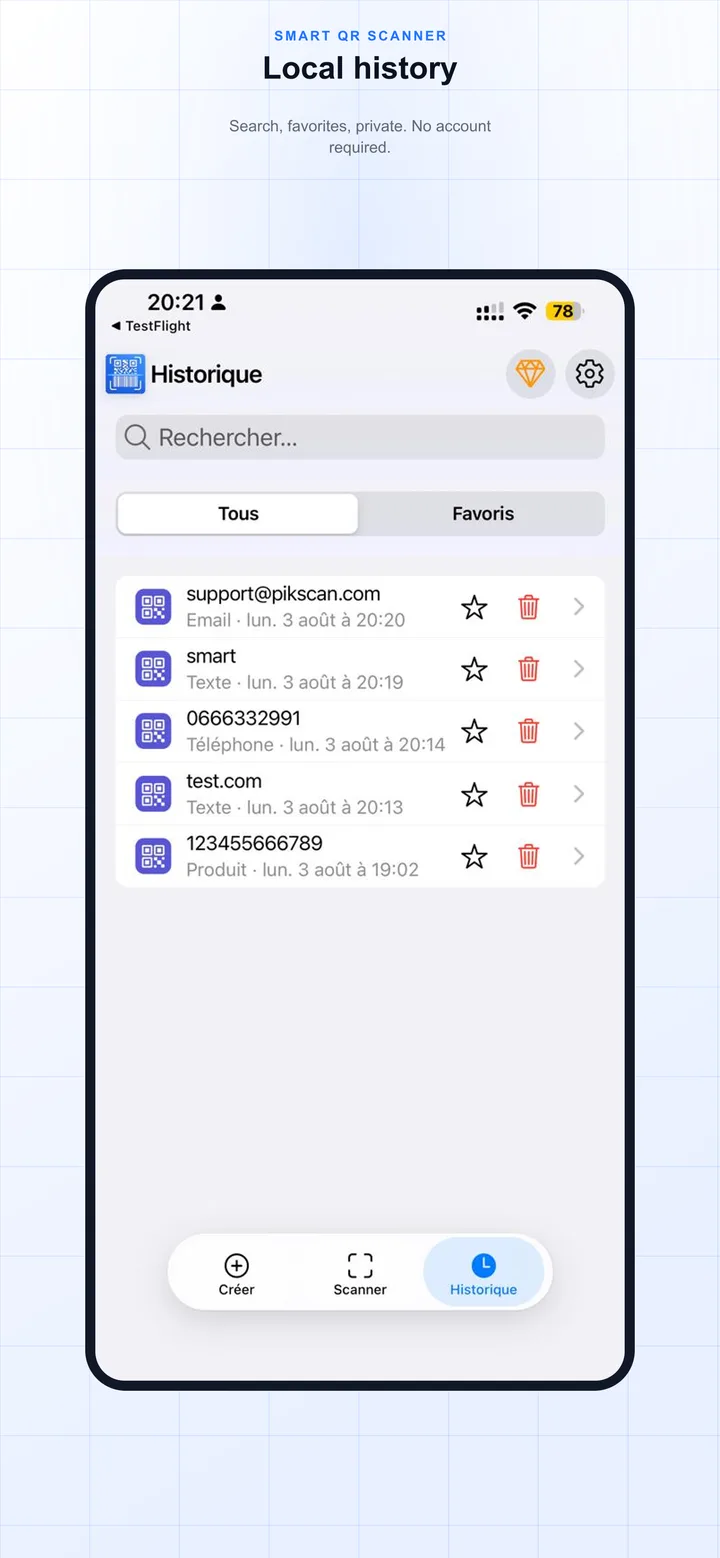
Private history
Search, favorites, all on device. No account, no mandatory cloud.
Frequently asked questions
Where is my scan history stored?
History stays on your Android or iOS phone. PikScan does not receive scan contents and does not run a sync cloud.
Can I create QR codes in the app?
Yes: URL, text, Wi‑Fi, contact, email, SMS, location, with colors, frame, logo, and PNG export.
Does the app support label sheets?
Yes. Batches up to 200 codes, A4 / A5 layouts, columns and rows, PDF share.
Do I need an account to use Smart QR Scanner?
No. No PikScan account is required to scan, create, or browse history.
Is Smart QR Scanner free?
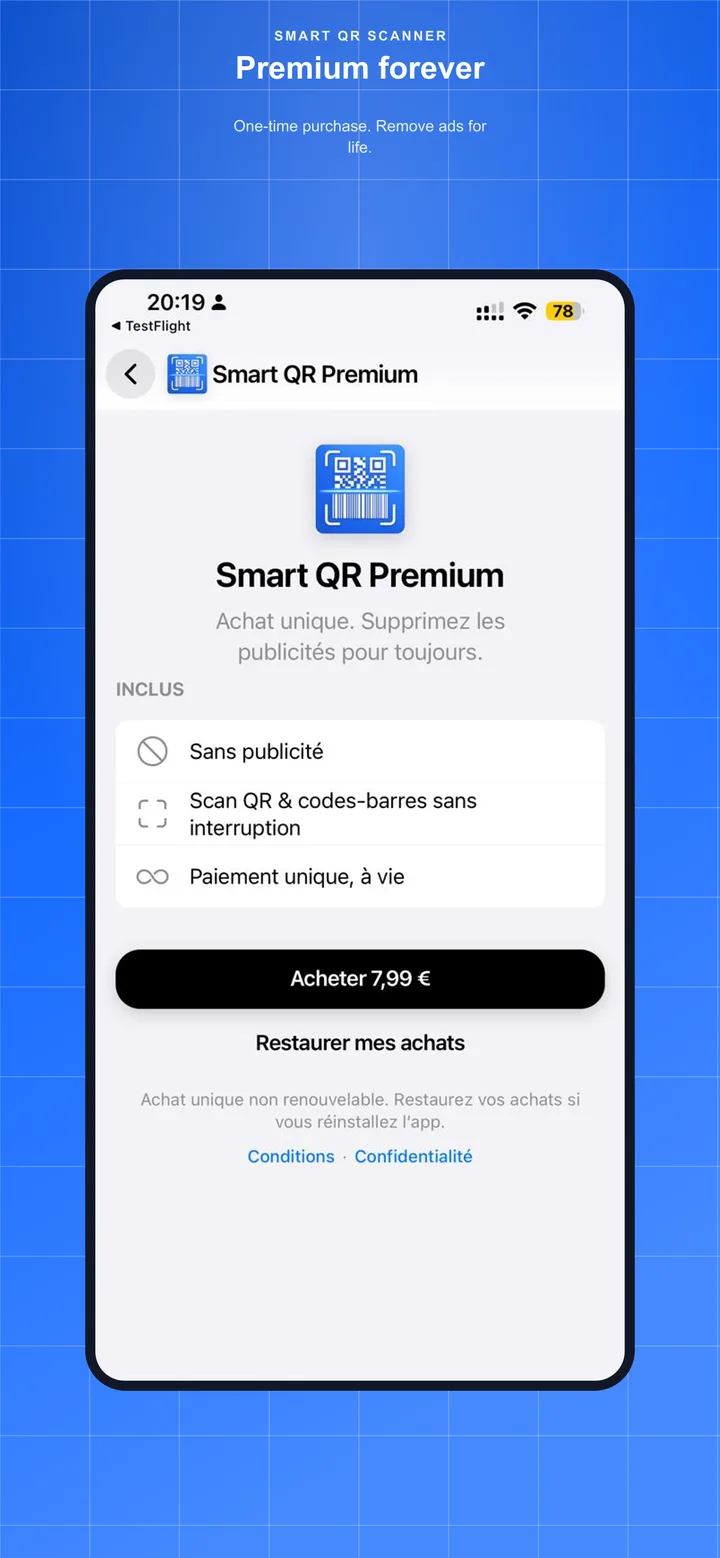
Free with light ads (AdMob). Optional Premium removes ads.
Is my scan data private?
Decoding runs on device. Your data stays local unless you export or share it yourself.
Ready to scan offline
Get Smart QR Scanner on Android and iOS. Support: support@pikscan.com